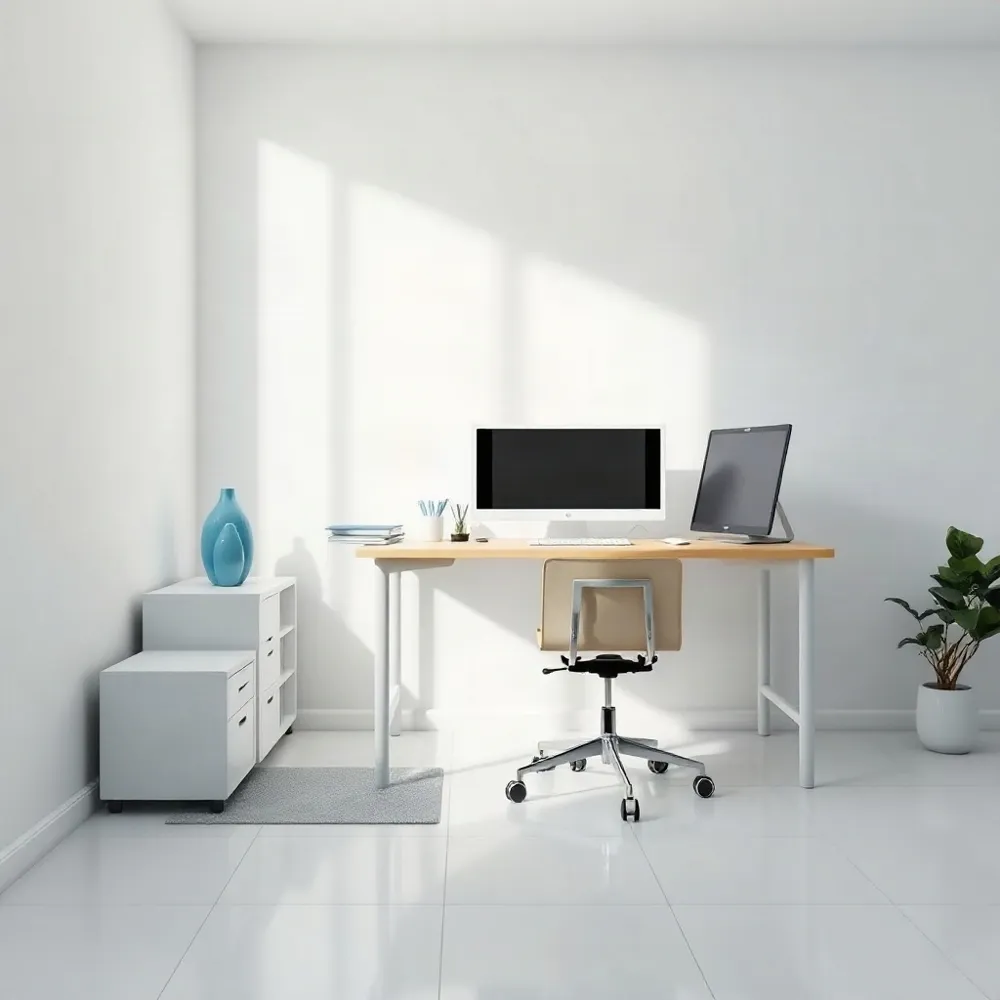
Why Desk Ergonomics Matters
Desk work can keep the body in one position for long stretches. When a workstation does not fit, reaching for a keyboard, looking down at a screen, or sitting without lower-back support may add strain to the back, neck, shoulders, and wrists. The effects vary, but discomfort can make it harder to focus and work comfortably.
Ergonomics means arranging work tasks and equipment to better fit the person using them. Adjusting the chair, screen, and keyboard, and changing position during the day, may help reduce physical stress. Mayo Clinic’s office ergonomics guide offers practical workstation suggestions, while the UCLA Health guide to prolonged sitting emphasizes that even a comfortable setup does not make it helpful to stay still for hours.
These changes can support comfort, but they cannot guarantee that pain will be prevented or resolve an existing condition. At California Pain Institute, care focuses on diagnosing and managing chronic pain, so persistent or worsening symptoms deserve individualized medical attention alongside practical adjustments to the workday.
Build a Workstation Around Your Body
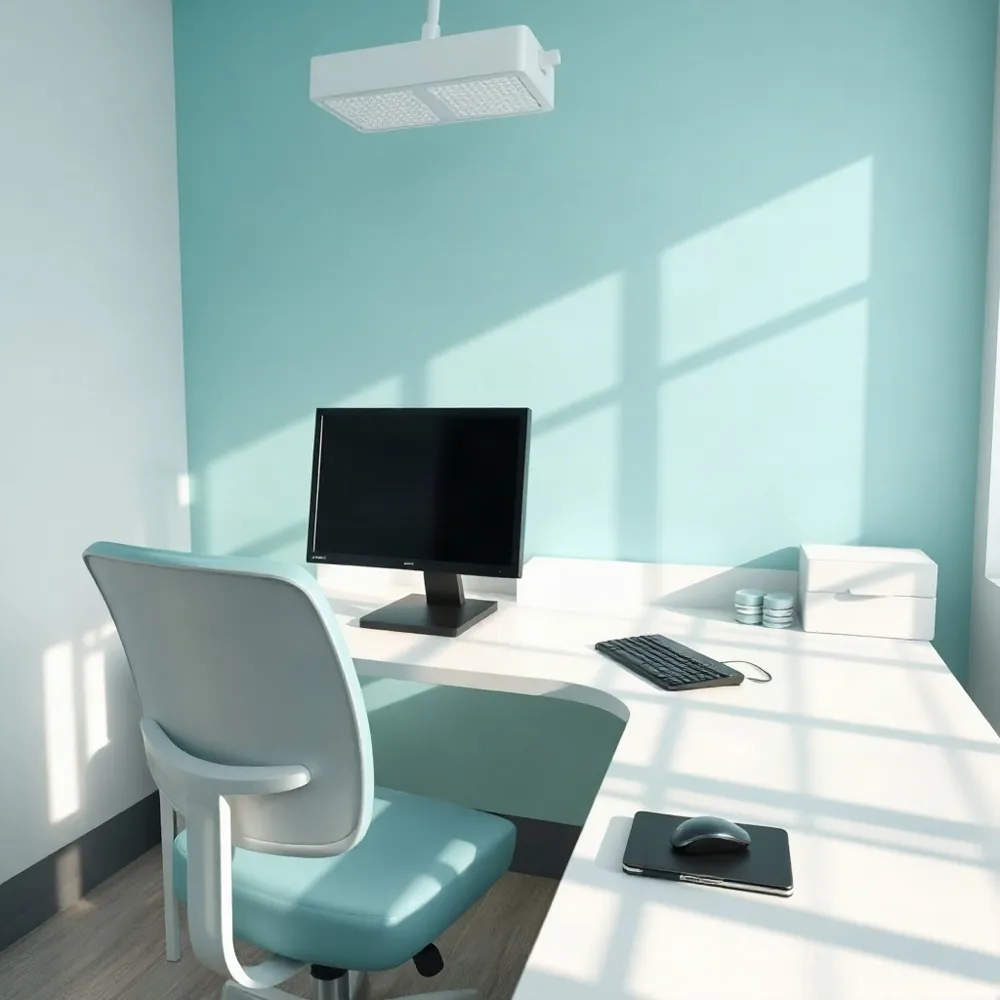 An ergonomic workstation should fit your body, not make you reach, twist, or lean forward to work. Adjusting the chair, desk, and equipment can support comfort, but there is no single setup that suits everyone.
Start with the chair. Sit with your lower back supported, shoulders relaxed, and feet flat on the floor or a footrest. Aim for thighs roughly parallel to the floor, with enough open space beneath the desk to move your legs freely. Adjust the chair or work surface until you can sit close to the desk without hunching.
The 90-90-90 guideline offers a flexible starting point: roughly right angles at the hips, knees, and elbows. Keep elbows near your sides and wrists straight as you type or use a mouse. Exact angles are less important than a comfortable, neutral position. Mayo Clinic’s office ergonomics guide also recommends placing the monitor directly in front of you, about an arm’s length away, with the screen top at or slightly below eye level.
Keep the keyboard and mouse close enough that you do not have to reach, and position them so your shoulders can stay relaxed. If you work at a desk on a laptop, a stand can raise the screen while a separate keyboard and mouse let your hands rest at a more comfortable height. These simple adjustments reflect the practical focus of California Pain Institute’s patient guidance on ergonomic tools and workspace adjustments.
Even a well-fitted workstation does not make it comfortable to hold one posture for hours. Change positions and take a brief standing or walking break regularly; UCLA Health’s sitting guidance recommends moving for a short time about every half hour. Treat the setup as a starting point, and adjust it if discomfort persists.
Find a Comfortable Sitting Position
A supported sitting position should feel comfortable, not forced. Rest your back against the chair and let your lower back keep a natural, easy curve. If the chair leaves that area unsupported, try a small lumbar roll or cushion, provided it feels comfortable. Keep your feet supported on the floor or a footrest, and let your shoulders relax.
If you have lower back pain, avoid trying to hold a rigid “perfect” posture. Make small adjustments when you begin to feel uncomfortable, and change positions rather than staying still for long stretches. A UCLA Health guide to sitting ergonomics recommends supporting the lower back and avoiding slumping. Posture may contribute to discomfort, but it does not explain every case of back pain; Healthdirect’s posture guidance recommends avoiding prolonged static postures and taking regular breaks to move.
Choose a Chair That Fits
A chair should support your lower back without forcing you into a rigid position. Look for adjustable lumbar support that fits the curve of your spine and a seat-height setting that lets your feet rest flat, or on a footrest if needed. A Mayo Clinic office ergonomics guide also recommends arranging armrests so your elbows stay close to your body and your shoulders remain relaxed.
Seat depth matters, too. You should be able to sit back against the backrest without the front edge pressing behind your knees. A seat that feels supportive and a backrest that tilts or reclines can make it easier to adjust your position during the day. Try a chair before buying when possible, since the right fit depends on your body and what feels comfortable.
At California Pain Institute, care focuses on diagnosing and managing chronic pain, so persistent discomfort may call for more than a change in seating. A supportive chair can make desk work more comfortable, but it cannot guarantee pain prevention or replace regular movement. Stand, walk, or change position throughout the workday, and seek medical guidance if pain persists or worsens.
Make Movement Part of the Workday
 A well-arranged workstation can support comfort, but it does not make staying in one position for hours advisable. Long periods of sitting or standing can leave muscles and joints feeling stiff, so changing position is part of a healthy work routine.
Aim to shift posture or take a brief movement break about every 30 minutes. One flexible example from University of California, Berkeley’s ergonomics guidance is the 20-8-2 pattern: sit for 20 minutes, stand for 8, then move for 2. It is a starting point, not a rule; adjust the timing to your needs and workplace.
If you do not have a sit-stand desk, stand briefly, walk, or step away from the computer to stretch. You can also switch tasks or try gentle shoulder, neck, wrist, and back movements. Even short opportunities to move can interrupt a long stretch of static posture.
Pay attention to fatigue and notice if you begin slouching or leaning forward. Change position when that happens, and modify or stop any movement that increases pain. For people managing chronic pain, the California Pain Institute’s posture guidance discusses combining posture awareness with daily exercise. Persistent or worsening pain warrants guidance from a healthcare professional.
Use Gentle Stretches and Exercise
Gentle movement can ease stiffness after long periods of sitting, but it is not a guaranteed treatment for every cause of back pain. Brief walks and comfortable stretches may help you change position and move more freely. California Pain Institute’s posture correction guidance also discusses posture and exercise as part of managing mild, work-related discomfort.
Try a seated torso rotation by sitting upright and turning gently to each side. For the upper back, draw the shoulder blades together, pause briefly, then relax. You can also place your hands on your knees and slowly arch and round your back. For lower-back tightness, try a gentle hamstring stretch or, while lying on your back, bring one knee toward your chest. These are options, not requirements; choose movements that feel comfortable.
Move slowly and stay within an easy range. Do not force a stretch, and stop if pain worsens or you develop numbness or weakness. Mayo Clinic advises people with ongoing back pain or a recent injury to ask a physical therapist or another member of their healthcare team which exercises are safe, and to begin with only a few repetitions before building gradually.
Respond to Pain During Desk Work
If discomfort builds while you work, first change position rather than forcing yourself to sit upright. Stand, take a short walk, or try a gentle stretch, then check whether chair support, screen height, or repeated reaching may be adding strain. A supportive setup can help, but it cannot identify the cause of pain.
Regular movement is often more practical than trying to hold one supposedly perfect posture all day. Adjust your position as needed and keep frequently used items close. The Mayo Clinic office ergonomics guide also recommends getting up and walking during the workday.
If it feels comfortable, try a small, gentle seated torso movement or spinal stretch. Keep the motion easy and stop if it increases your pain; exercises are not suitable for everyone or every cause of back pain. The California Pain Institute’s guidance on responding to sciatica during desk work also emphasizes changing position, walking or stretching briefly, and checking workstation factors.
If pain persists, worsens, or interferes with work, seek individualized medical advice rather than relying on workstation changes or exercise alone. Prompt assessment is important for new leg weakness, numbness around the groin, or problems controlling your bladder or bowels.
Know When to Seek Medical Care
 Many episodes of back pain improve within a few weeks, but recovery varies with the cause and a person’s overall health. Gentle movement and a gradual return to usual activities may help; prolonged bed rest is generally not recommended. Seek medical advice if pain is severe, worsening, not improving after a few weeks, or interfering with daily activities.
Get urgent medical evaluation for new leg weakness, numbness around the groin or buttocks, loss of bladder or bowel control, or back pain after a serious injury. Fever, unexplained weight loss, or a history of cancer alongside back pain also warrant prompt assessment. These symptoms can have different causes, so a clinician should determine what evaluation or care is appropriate.
A workstation adjustment may reduce strain, but it cannot identify the cause of persistent or concerning symptoms. At California Pain Institute, care focuses on diagnosing and managing chronic pain; individualized assessment can help distinguish when ergonomic self-care is enough from when a treatment plan is needed. General guidance from University of Utah Health likewise emphasizes seeking evaluation for persistent or severe pain and urgent attention for serious warning signs.
Small Changes Add Up
A comfortable desk routine does not depend on one perfect posture or an expensive chair. Adjust the workstation so your body can work without repeated reaching or straining, change positions throughout the day, and make room for regular movement. These habits can support comfort, but they cannot guarantee that back pain will be prevented or resolved.
If symptoms persist, worsen, or interfere with daily activities, consider personalized medical guidance rather than relying on ergonomic changes alone. The California Pain Institute focuses on diagnosing and managing chronic pain, where care can be tailored to the person and the possible causes of their symptoms.
Start with a small adjustment that feels practical, then notice how your body responds. Consistent attention to comfort and movement can help you make desk work more manageable, while keeping expectations realistic and seeking care when needed.